Free during beta For Paper Minecraft servers
Make your Minecraft server do anything. No code required.
Snap blocks together in your browser, click Apply, and it runs on your own Paper server a second later. No plugin code, no restarts.
- Runs on your own server
- No port forwarding
- Paper 1.21.4 and newer
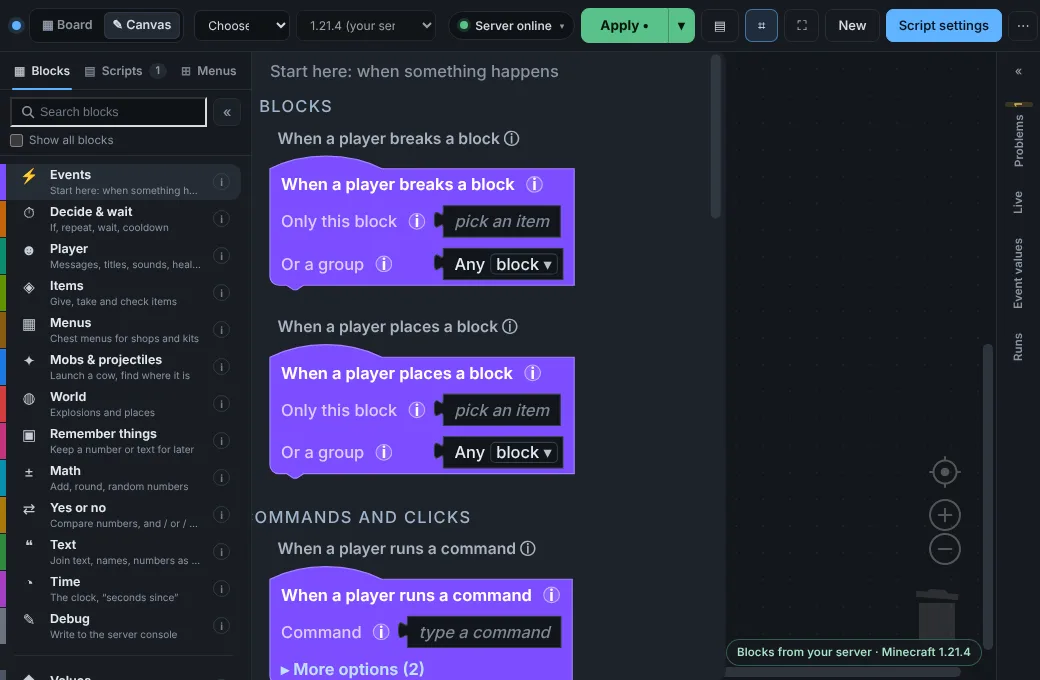
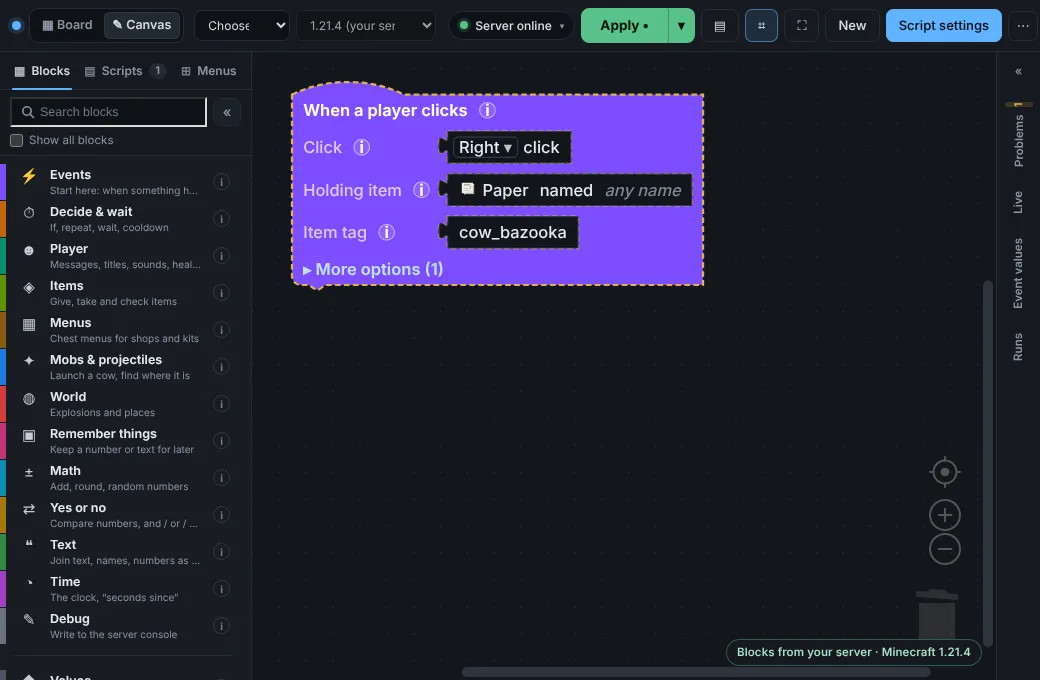
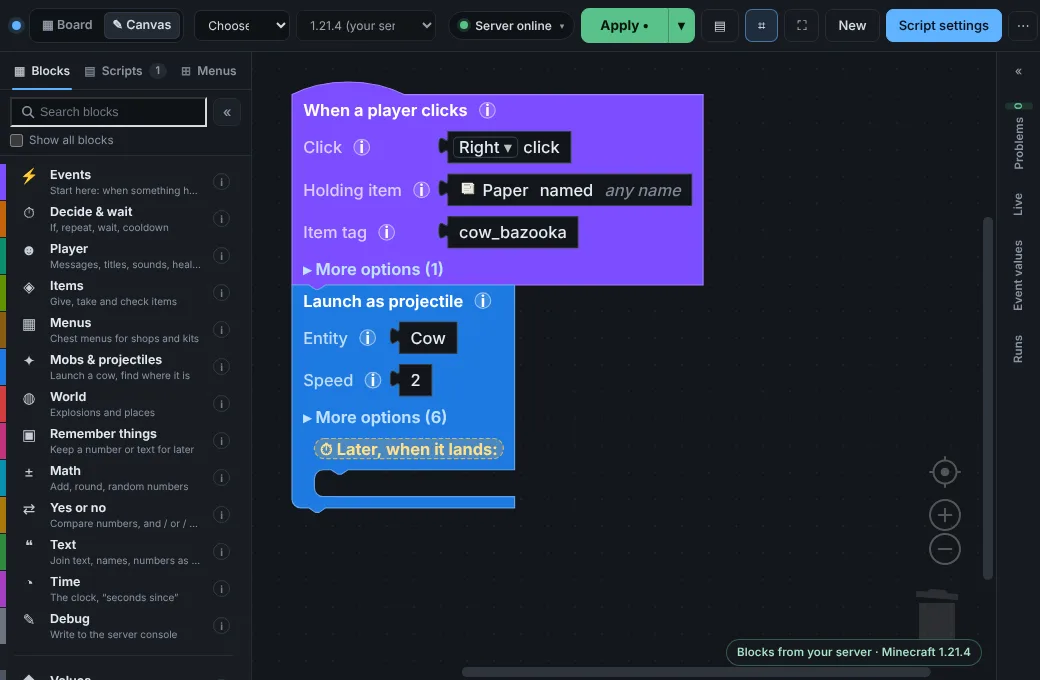
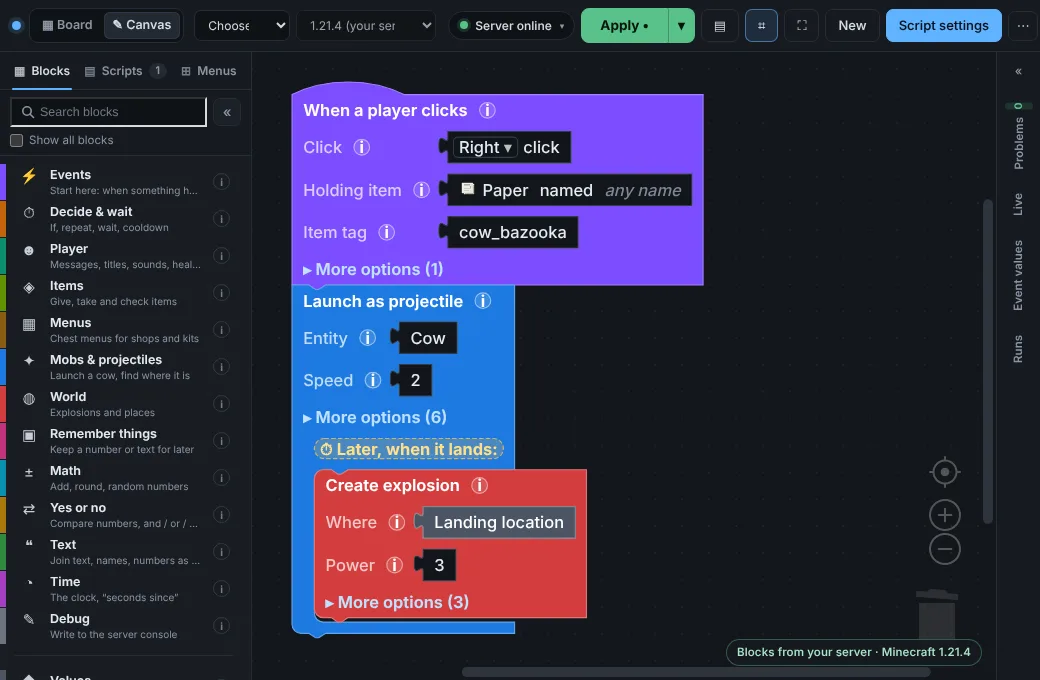
- Pick a “When…”
- Snap blocks
- Click Apply
- Play

How it works
Three steps, and the third one is playing
-
1Snap blocks
Pick what should happen and when. Blocks only fit where they make sense, and problems are pointed out with a fix before anything reaches your server.
-
2Click Apply
Your script goes to your server and starts at once. No file uploads, no restart, no reload command.
-
3It’s live
Try it in game. Change something and click Apply again. Your scripts are saved as files on your own server.
 One-time setup, about 3 minutes: download the plugin, put it in your server’s
plugins folder, restart, and link it with one command. The editor walks you through it.
Things you can build
Start from one that already works
Every template comes with the editor. Open one, then change the glowing boxes to make it yours. These are their real blocks.
-

Cow Bazooka
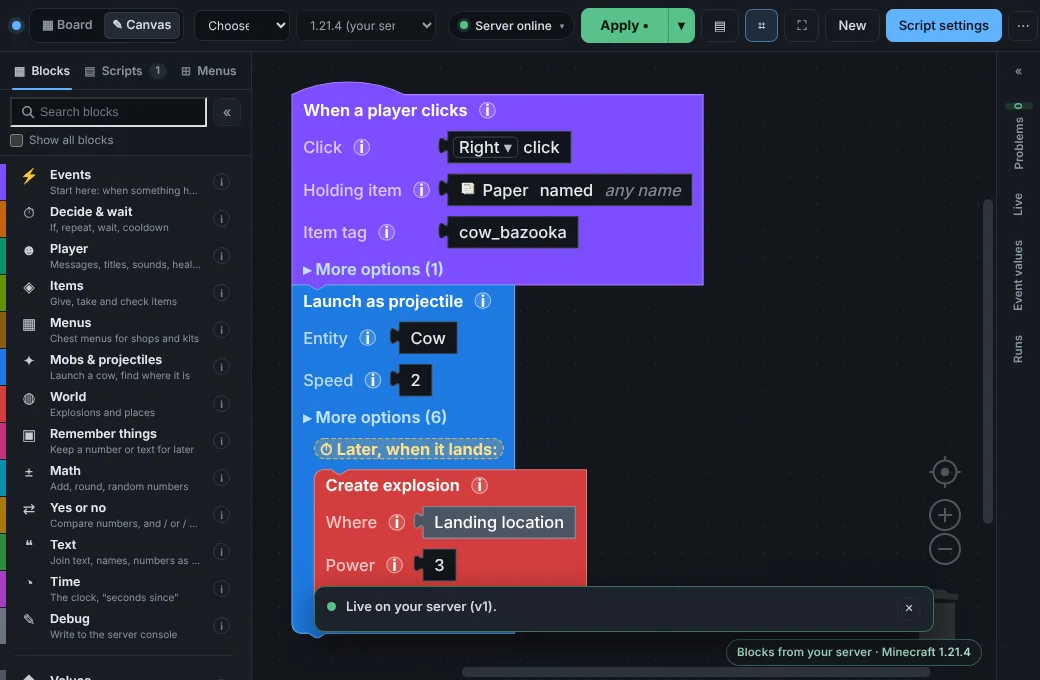
Fun & itemsType /bazooka to get a paper that launches cows. They explode where they land.
- When a player runs a command · /bazooka
- Give item · Paper
- When a player clicks · Right click
- Cooldown · 3
- If still on cooldown:Send action bar message · Reloading... {seconds left}s
- Launch as projectile · Cow
- + 1 more block
-

Daily Reward
RewardsType /daily to get a diamond, once every 24 hours per player.
- When a player runs a command · /daily
- If / else
- Then:Set variable
- Give item · Diamond
- Send chat message · ✔ Daily reward claimed. Come …
- Play sound · entity.player.levelup
- + 1 more block
-

Kill Counter
Stats & leaderboardsCounts every player’s kills. Admins type /killboard to put up a floating top 10.
- When a player kills something
- Add to variable · 1
- Send action bar message · ⚔ Kills: {kills}
- When a player runs a command · /killboard
- Leaderboard hologram · kills
- Send chat message · ✔ Kill board placed here.
-

Timer Broadcast
Chat & messagesEvery 5 minutes, everyone on the server gets a tip in chat.
- Every few seconds · 300
- Broadcast message · ★ Tip: Type /bazooka to get a…
-

Shop
Shops & menusType /shop to buy diamonds, golden apples and bread, or sell cobblestone, with coins. Players earn 5 coins for every kill. No other plugin needed.
- When a player runs a command · /shop
- Open menu · shop
- When a player kills something
- Give money · 5
-

Ore Shop
Shops & menusType /oreshop to buy 7 ores at rising prices. The menu shows your coins; mining stone earns 1 coin.
- When a player runs a command · /oreshop
- Open menu · ores
- When a player breaks a block · Stone
- Give money · 1
-
Kit Selector
Shops & menusType /kits to pick a Starter, Warrior or Archer kit from a chest menu, each with its own cooldown.
- When a player runs a command · /kits
- Open menu · kits
- When a player clicks a slot in a menu · kits
- Cooldown · 300
- If still on cooldown:Send chat message · ✘ You can pick the Starter ki…
- Give kit
- + 3 more blocks
-

Crate
Shops & menusRight-click with a crate key to win a random reward; rarer rewards come up less often. Left-click shows the rewards.
- When a player runs a command · /cratekey
- Give item · Tripwire hook
- Send chat message · ✔ You got a Crate Key.
- When a player clicks · Right click
- Take item · Tripwire hook
- Pick a random reward
- + 3 more blocks
And more in the editor’s template gallery.
Works on your server
Your server, your files, no networking

Paper 1.21.4 and newer
And forks of Paper. Spigot and Bukkit are not supported. Blocks that need a newer Minecraft version say so.

Shared hosting is fine
If you can upload a file to your server’s
pluginsfolder, it works. No special host needed.No port forwarding
Your server connects out to Cube Code over a secure connection. Nothing to open on your router or firewall.
Scripts are files on your server
In
plugins/server-editor/scripts. They keep running when the editor is closed.Plays well with your plugins
WorldGuard regions, PlaceholderAPI placeholders and Vault money work when they are installed. Money is built in when they are not.
No restarts
Apply loads a script while players are online. Only installing the plugin needs one restart.
Questions
Before you start
Is it free?
Yes. Cube Code is free during the beta, with 1 server per account. If paid plans come later, you will hear it here and in the Discord first, and the scripts you made stay yours: they are files on your server.
Do I need to know how to code?
No. Everything is blocks with plain words on them. The editor checks your blocks as you go and explains problems in plain language, with a button that fixes the common ones. A 5-minute guided tutorial builds your first script with you.
Is my server safe?
Your server connects out to Cube Code; no port opens on it. Only you can link it: the link code is typed into your server’s console (or in the game by an operator), and only your Discord account can send scripts to it. Scripts can only do what blocks do: no block runs console commands or reads your server’s files (a menu button can make a player run a command, with that player’s own permissions). You can unlink your server at any time.
What happens to my scripts?
They are saved as files on your Minecraft server, in its plugins/server-editor/scripts folder, and in your browser while you edit. Cube Code only passes them along while you edit; it does not keep them. They keep running when the editor is closed. Remove the plugin and they stop.
Do I have to open a port or change my firewall?
No. Your server connects out to Cube Code over a secure connection, so it works on shared hosts that only give you the game port.
What do you know about me?
Your Discord id, name and picture, and the servers you link. No email, no password, no trackers on this site. See the privacy policy. You can delete your account and everything with it at any time from your account page.
Can I run it myself?
Yes. You can run your own relay (the small program that connects the editor and your servers) on your own computer, protected by one password, the owner token, instead of Discord accounts. Ask in the Discord for the self-hosting guide.
Something does not work. Where do I get help?
Join the Discord and tell us what happened. Screenshots help a lot.
Make something your players will remember
Sign in with Discord, try the tutorial, and link your server when you are ready. Free during beta.